Tokyo trip planner: your days in Tokyo, planned on a map
Updated November 8, 2026
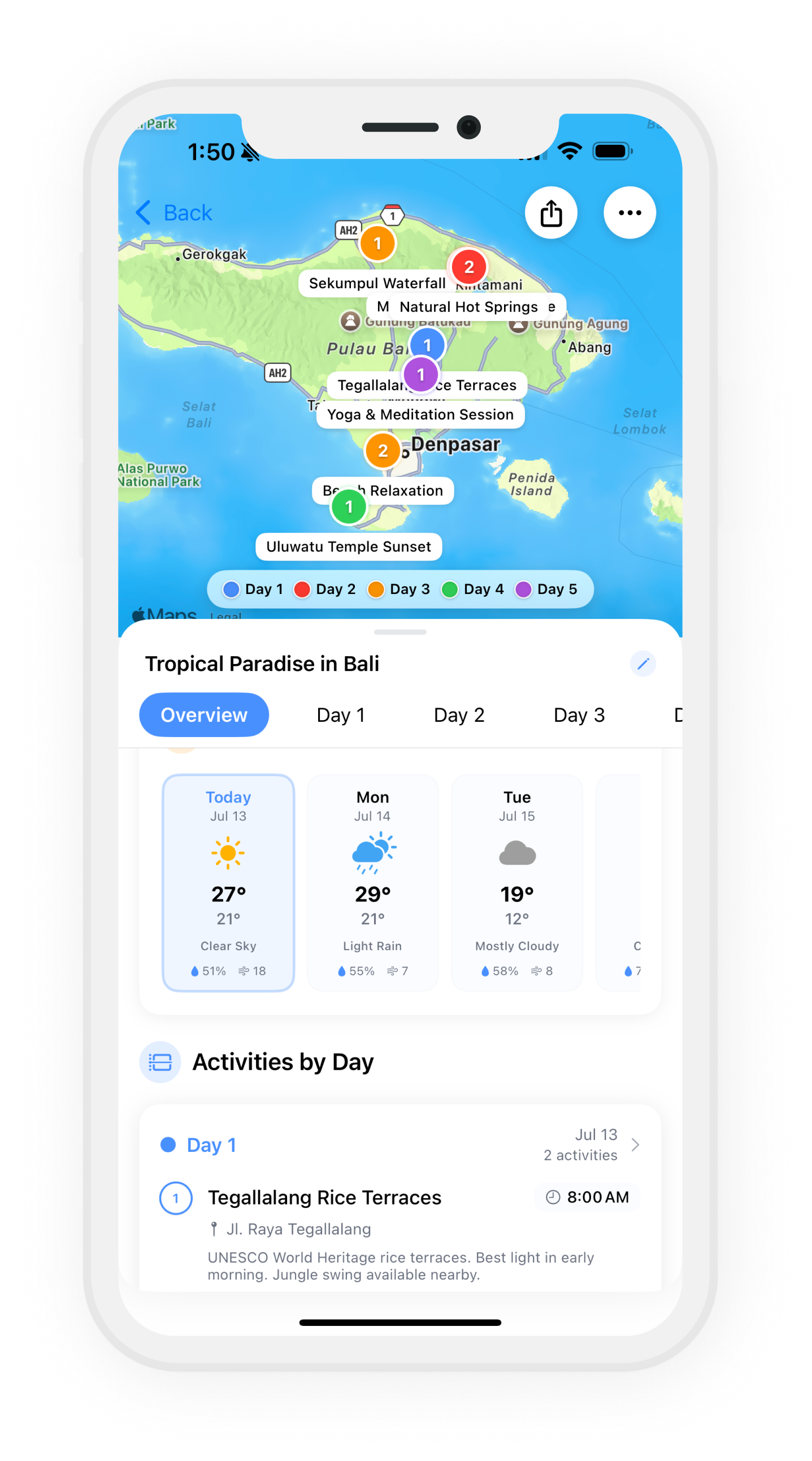
Short answer: Wanderjoy is an iPhone app that plans your Tokyo trip day by day and pins every stop on a map. Tell it how many days you have, how fast you like to travel and what you're into, and it drafts the whole trip, grouped by neighborhood so each day's stops are close together. Then you can change anything.

Try it here
Tokyo is filled in; pick your days, pace and interests. You'll see day 1 here, and the whole plan, on the map, opens in the app with the trip code it gives you.
How to plan a Tokyo trip with Wanderjoy
1. Pick your days
Tell it how long you're in Tokyo, from a long weekend to a full week, so the plan has the right number of days.
2. Choose your pace and interests
Packed or relaxed; food, culture, shopping, nature, nightlife. A ramen-and-izakaya trip and a first-timer's week come out as different plans.
3. Get the draft
Wanderjoy plans every day: the famous sights, local favorites and a few quieter spots, each pinned on the map with a route for the day.
4. Make it yours
Move a stop to another day, delete what you'd skip, add places you saved in Google Maps or Apple Maps, and keep notes next to the plan.
Before you fly, the app keeps a countdown to departure and a packing checklist for Tokyo and its weather.
Plan Tokyo by neighborhood
The easiest Tokyo days stay in one or two areas. These are the clusters a first trip is usually built from, and the way the planner groups stops:
| Area | What fits in the same day |
|---|---|
| Asakusa and Ueno | Senso-ji and Nakamise Street, Ueno Park and its museums, and the Ameyoko market streets |
| Shibuya and Harajuku | Shibuya Crossing, Meiji Shrine, Takeshita Street and the shops along Omotesando |
| Shinjuku | Shinjuku Gyoen garden, the view from the Tokyo Metropolitan Government Building, and Omoide Yokocho at night |
| Ginza and Tsukiji | The Tsukiji Outer Market, Hamarikyu Gardens and an evening in Ginza |
| Akihabara | Electronics, anime and game shops, an easy pairing with Ueno or Asakusa |
| Odaiba and the bay | The waterfront, Rainbow Bridge views and a slower afternoon by the water |
Want to see one finished? Here's a 5-day Tokyo itinerary for a first trip, a Tokyo food itinerary and a Tokyo budget itinerary, each on a map.
Questions
How does a Tokyo trip planner app help?
Tokyo is huge, and the easy days stay in one part of it: Asakusa pairs with Ueno, Harajuku with Shibuya. Wanderjoy groups each day's stops so they're near each other and shows the day's route on a map, so you spend the day in Tokyo, not changing trains.
How many days do I need in Tokyo?
Four days covers the classic neighborhoods at a steady pace. Five or more lets you add Akihabara, Odaiba and slower mornings. Tell the planner your dates and it fits the plan to them.
Can I add the places I already saved?
Yes. In Google Maps or Apple Maps, tap Share on a place and choose Wanderjoy; it's added to your trip with its name and location.
Can I plan Tokyo with friends or a partner?
Yes. Share a private link or trip code and the people traveling with you can see the plan and add to it, in real time.
Will the plan work without data in Tokyo?
Yes. Wanderjoy works offline, so your itinerary and map are there even when you're underground or between Wi-Fi spots.
Is there a ready-made Tokyo itinerary I can start from?
Yes: a 5-day first-timer's plan, a Tokyo food itinerary and a Tokyo budget itinerary, each on a map.
More on how it works: the AI trip planner · planning from Google Maps · the Paris trip planner.
Plan your Tokyo trip
Your dates in, every day in Tokyo on the map out.